Step 1 · Upload
Upload Front Image
Upload the front image first. After upload, click Next to continue to Back Upload.
⇪
Drop your file here
Drag an image here to upload or use the button below.
JPG or PNG. Keep it 10 MB or smaller for the smoothest experience.
Front Image
Step 2
Card Alignment
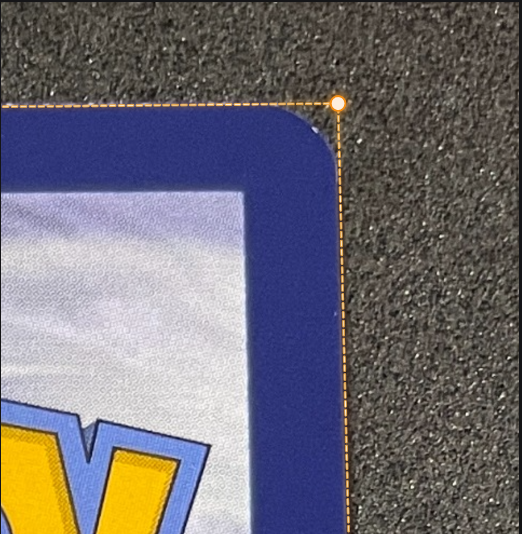
Drag each point to the card’s corners [Example]
Hint: Use the mouse wheel to zoom. You can also drag the image area to pan.
Preview
Use Rotate and Tilt to adjust the image position under the corner points, then fine-tune points manually.
◉
Grade Estimates
(Based on centering for Front side)
PSA: —
SGC: —
BGS: —
CGC: —
TAG: —
Step 2 · Upload Back
Upload Back Image
Upload the back image second, or skip to create a Front-only report.
⇪
Drop your file here
Drag an image here to upload or use the button below.
The back follows the same crop and guide workflow as the front.
Back Image

 KantoCorp™